
Blog
144Hz vs 165Hz vs 240Hz: Which Refresh Rate for Gaming?

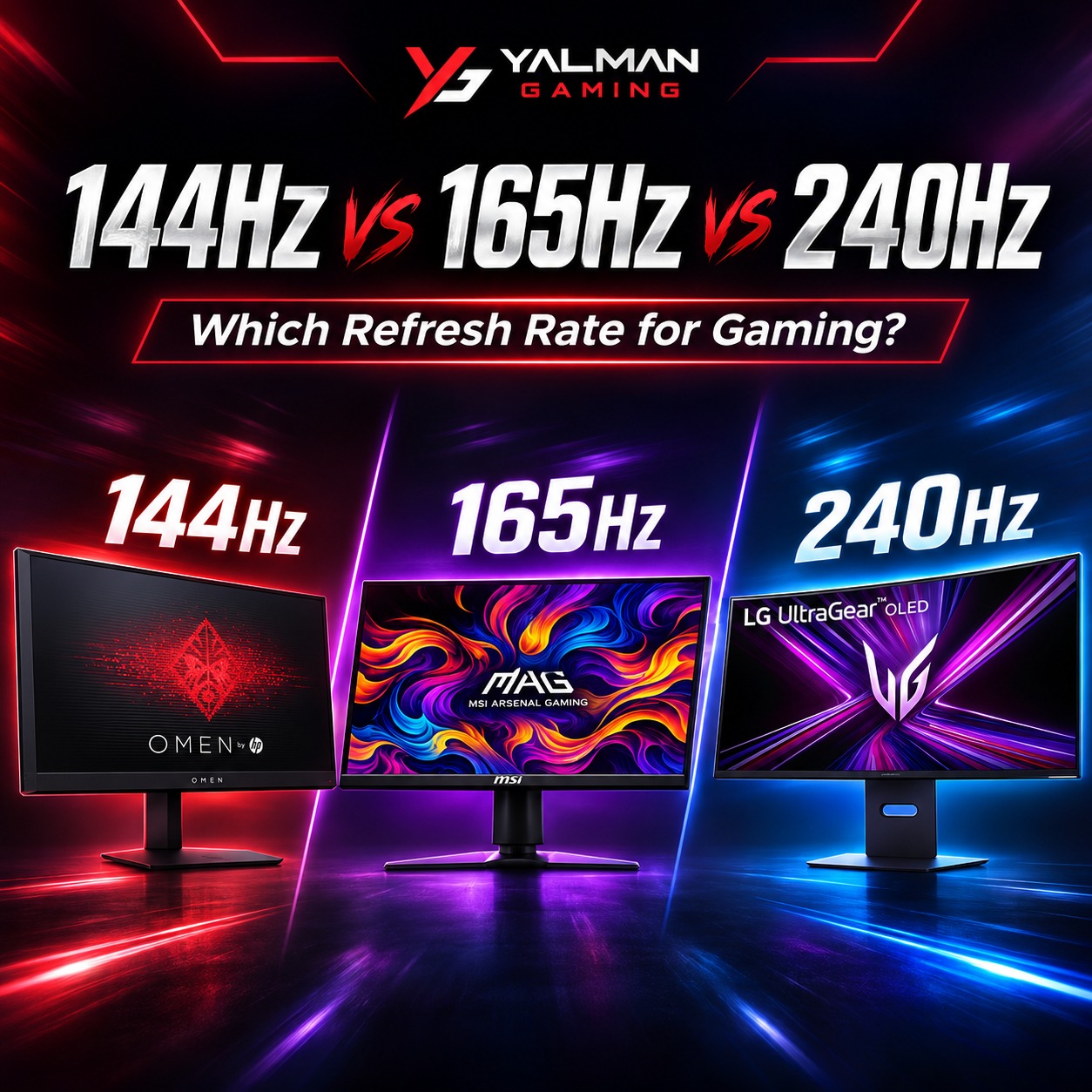
When buying a gaming monitor, refresh rate is one of the most important specs and also the most confusing. Should you get 144Hz, 165Hz, or 240Hz? Is the jump worth the extra money? This guide breaks down 144Hz vs 165Hz vs 240Hz in simple terms, explains which refresh rate is best for gaming, and helps you pick the right one for how you actually play without overspending.
What Is Refresh Rate?
Refresh rate, measured in Hertz (Hz), is how many times per second your monitor updates the image on screen. A 144Hz monitor refreshes 144 times a second, a 240Hz monitor 240 times. The higher the refresh rate, the smoother motion looks fast movement is clearer, aiming feels more responsive, and the whole experience feels fluid. For gaming, a high refresh rate is one of the biggest upgrades over a standard 60Hz screen.
Refresh Rate vs FPS How They Work Together
Here’s the key thing many gamers miss: refresh rate and FPS (frames per second) work as a pair. Your graphics card produces frames (FPS), and your monitor displays them (Hz). To actually benefit from a 240Hz monitor, your PC needs to push close to 240 FPS in your games. If your GPU only manages 100 FPS, a 240Hz monitor is wasted a 144Hz screen would serve you just as well for less money. So your refresh rate choice should match what your graphics card can realistically deliver.
144Hz vs 165Hz vs 240Hz: The Differences
| Refresh Rate | Feels Like | Best For |
|---|---|---|
| 144Hz | A huge, smooth jump over 60Hz | Most gamers the best value sweet spot |
| 165Hz | Slightly smoother than 144Hz | A small bonus at a similar price |
| 240Hz | Noticeably sharper fast motion | Competitive esports players |
144Hz — The Sweet Spot
Going from 60Hz to 144Hz is a massive, instantly noticeable upgrade — smoother aiming, clearer motion, and a better experience in every game. For the vast majority of gamers, 144Hz is the best value refresh rate. It’s affordable, easy for a mid-range GPU to drive, and more than fast enough for competitive and casual play alike.
165Hz — A Small Step Up
165Hz is only slightly faster than 144Hz — the difference is minor and hard to notice in real gameplay. The good news is that many 165Hz monitors cost about the same as 144Hz ones, so if the price is similar, take the 165Hz as a free bonus. But don’t pay a big premium just to go from 144Hz to 165Hz — you won’t feel it.
240Hz — For Competitive Gamers
240Hz delivers noticeably sharper motion in fast-paced games, giving competitive players an edge in titles like Valorant, CS2, and PUBG. But there’s a catch: you only benefit if your PC can push close to 240 FPS, which usually means a powerful graphics card and lighter esports games. For casual and AAA gaming, the jump from 144Hz to 240Hz is far less noticeable than 60Hz to 144Hz.
The Law of Diminishing Returns
The biggest upgrade is always 60Hz → 144Hz — that jump is dramatic. After that, each step gives you less: 144Hz → 165Hz is tiny, and 144Hz → 240Hz is noticeable but far smaller than the first jump. So the smart money goes on getting to 144Hz first, then only paying for 240Hz if you’re a competitive player with a PC that can feed it the frames.
Which Refresh Rate Should You Buy?
- Casual & AAA gamers: 144Hz (or 165Hz if similar price) is perfect — smooth, affordable, and easy to run.
- Competitive / esports players: 240Hz is worth it if your GPU can push high frame rates in your games.
- On a budget: Get 144Hz. Don’t overspend on 240Hz if your graphics card can’t reach those frame rates.
Also remember: don’t buy refresh rate in isolation. A 1080p monitor is easiest to run at very high refresh rates, while 1440p and 4K need a stronger GPU to hit the same numbers. Match your refresh rate, resolution, and graphics card together for the best experience.
A Few Tips Before You Buy
- Match your GPU: A high refresh rate needs a graphics card that can produce the frames — see our guide to the best budget graphics card in Pakistan.
- Enable the refresh rate in Windows: After setup, go to Display Settings and select the full refresh rate — it often defaults to 60Hz out of the box.
- Use the right cable: DisplayPort is best for high refresh rates; make sure your cable and ports support the Hz you bought.
- Consider your whole setup: Browse our full gaming monitor buying guide to balance refresh rate with resolution and panel type.
Shop High Refresh Rate Monitors at Yalman Gaming
At Yalman Gaming we stock a full range of high refresh rate gaming monitors — from 144Hz and 165Hz value panels to fast 200Hz and 240Hz esports displays — from trusted brands, with local warranty and fast delivery across Lahore, Islamabad, Karachi, and all of Pakistan.
