Blog
SSD vs HDD for Gaming: Which Should You Buy?

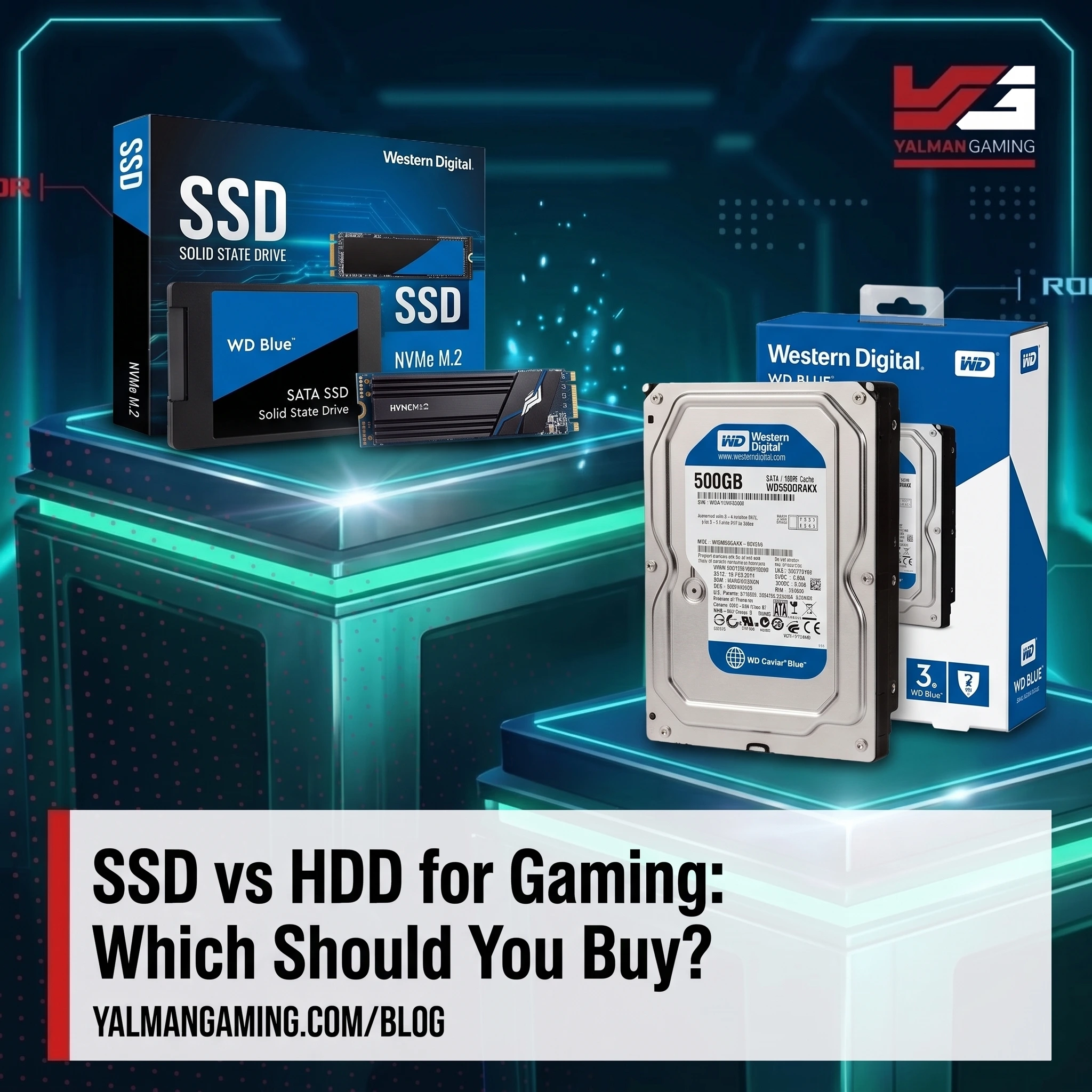
When building or upgrading a gaming PC, one of the most common questions is simple: SSD vs HDD for gaming — which should you buy? Both store your games and files, but they work very differently, and the one you choose has a big impact on load times and how responsive your whole system feels. This guide breaks down the difference in plain terms, with a clear recommendation for gamers in Pakistan on every budget.
What’s the Difference Between an SSD and an HDD?
An HDD (Hard Disk Drive) stores data on spinning magnetic platters read by a moving arm. It’s older technology cheap and available in large capacities, but slow, because physical parts have to move to find your data.
An SSD (Solid State Drive) has no moving parts. It stores data on flash memory chips, so it reads and writes data almost instantly. That makes it many times faster than an HDD and it’s the single biggest upgrade you can make to how fast your PC feels.
SSD vs HDD for Gaming: What Actually Changes?
Here’s the honest truth most gamers get wrong: an SSD does not increase your FPS. Your frame rate comes from your graphics card, CPU, and RAM. What an SSD dramatically improves is everything around the gameplay:
- Game load times: Games launch and load levels far faster on an SSD often in seconds instead of minutes.
- Fast travel & level transitions: Loading screens inside open-world games are much shorter.
- Texture streaming: Modern games load textures on the fly an SSD prevents the pop-in and stutter you get on an HDD.
- Overall system feel: Windows boots in seconds and apps open instantly.
So while your FPS stays the same, an SSD makes gaming feel dramatically smoother and faster which is why it’s now considered essential for a modern gaming PC.
SSD vs HDD: Head-to-Head
| Factor | SSD | HDD |
|---|---|---|
| Speed | Very fast (instant loads) | Slow |
| Game load times | Seconds | Minutes |
| Price per GB | Higher | Lower (cheapest storage) |
| Capacity | Up to several TB | Very large & cheap |
| Durability | No moving parts tough | Fragile (moving parts) |
| Noise | Silent | Audible spinning/clicking |
| Best for | OS, games, fast everyday use | Bulk storage & backups |
SATA SSD vs NVMe SSD: Which Type?
Not all SSDs are the same. There are two main types:
- SATA SSD: Uses the older SATA connection. Still many times faster than an HDD a huge upgrade and great value.
- NVMe SSD (M.2): Plugs directly into the motherboard and is several times faster than a SATA SSD. It’s the modern standard for a gaming PC and barely costs more.
For a new gaming build in 2026, an NVMe SSD is the smart pick fastest load times, clean install (no cables), and excellent value. For gaming specifically, the real-world difference between SATA and NVMe is small, so a SATA SSD is still a great budget option if your board lacks an M.2 slot.
Which Should You Buy for Gaming?
The Best Setup: SSD + HDD Together
The ideal gaming setup isn’t SSD or HDD it’s often both:
- SSD for your Windows, your most-played games, and apps for speed.
- HDD (optional) as cheap bulk storage for your game library, videos, and backups.
On a Tight Budget
If you can only afford one drive, choose an SSD even a smaller one. The speed boost to your whole system and game load times is worth far more than the extra space of an HDD. A 500GB or 1TB NVMe SSD is the sweet spot for most gamers.
When an HDD Still Makes Sense
Add an HDD only when you need large, cheap storage a huge game library, video files, or backups alongside an SSD. As your only gaming drive in 2026, an HDD is no longer recommended.
A Few Tips Before You Buy
- Put Windows on the SSD: This alone transforms how fast your PC feels.
- Check your motherboard: Confirm you have a free M.2 slot for an NVMe SSD, or a SATA port for a SATA SSD/HDD.
- 1TB is the sweet spot: Modern games are huge (50–150GB each), so 1TB gives breathing room; 500GB is the minimum.
- Buy trusted brands: Storage holds your data stick to reliable brands with warranty.
Shop SSDs & Storage at Yalman Gaming
At Yalman Gaming we stock a full range of storage fast NVMe and SATA SSDs plus high-capacity HDDs from trusted brands, with local warranty and fast delivery across Lahore, Islamabad, Karachi, and all of Pakistan. Browse all Storage at Yalman Gaming →
Two great in-stock SSD picks for gaming right now: the Samsung 990 EVO Gen 4 NVMe SSD 1TB a fast, reliable Gen 4 drive and the great-value Lexar NQ780 1TB PCIe Gen4 NVMe SSD.
Storage keeps your games loading fast, but the screen is what you actually game on if you’re upgrading your setup, see our guide to the best gaming monitor under 100,000 in Pakistan.
Shop SSDs & Storage at Yalman Gaming
Frequently Asked Questions
Does an SSD increase FPS in games?
No — your FPS comes from the graphics card, CPU, and RAM. An SSD dramatically reduces load times and stutter and makes the whole system feel faster, but it doesn’t raise frame rates.
Is an SSD or HDD better for gaming?
An SSD is better for gaming because of far faster load times and a smoother experience. An HDD is only better for cheap bulk storage. The ideal setup is an SSD for games plus an optional HDD for extra space.
Should I get a SATA SSD or NVMe SSD for gaming?
NVMe is the modern choice faster and barely more expensive. For gaming the real-world difference over SATA is small, so a SATA SSD is still a great budget option if your motherboard has no M.2 slot.
What size SSD do I need for gaming?
1TB is the sweet spot since modern games are 50–150GB each. 500GB is the minimum if you’re on a budget and manage your installed games.