Blog
Best 1080p Gaming Monitors Comparison 2026

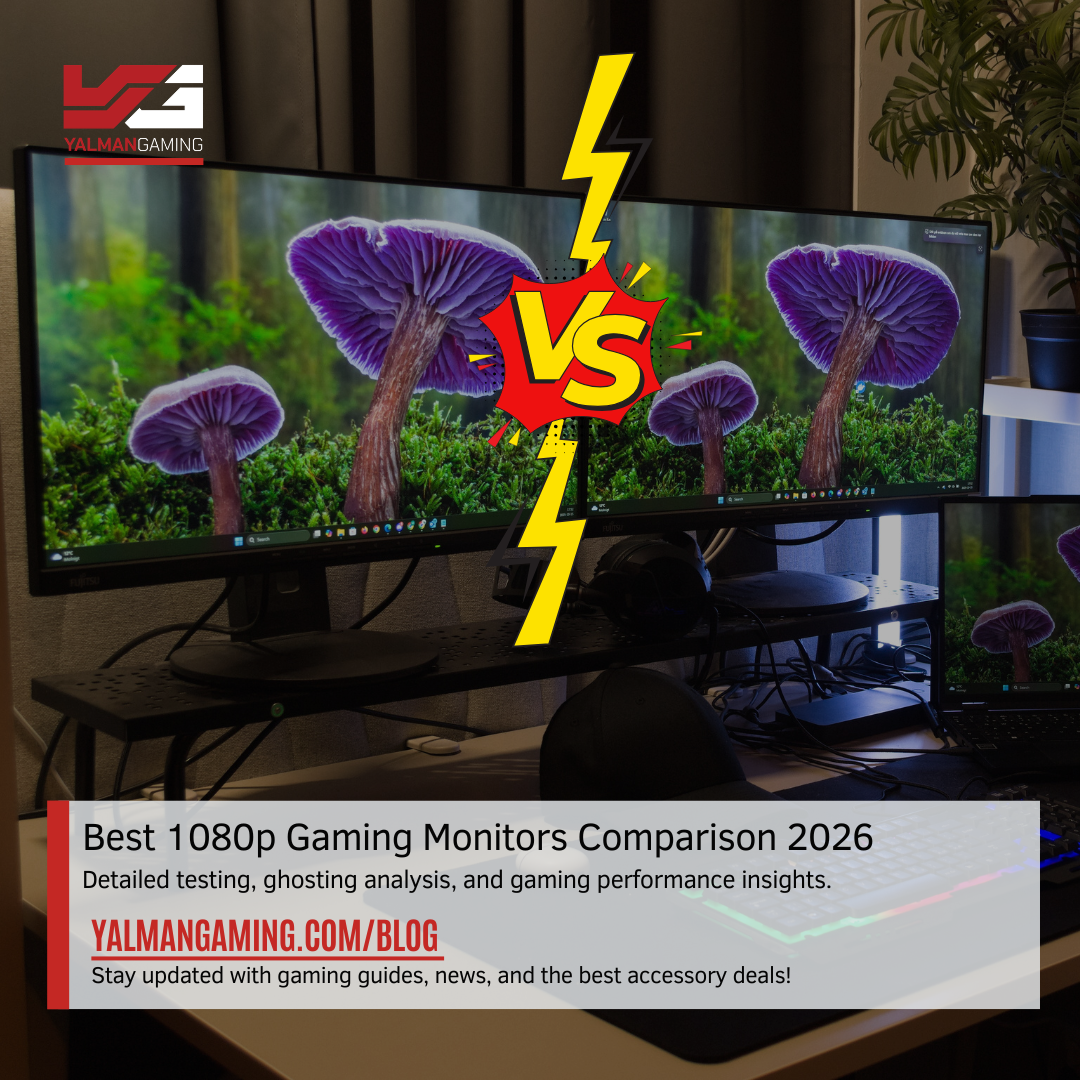
Best 1080p Gaming Monitors Comparison 2026 | GameOn 165Hz & 180Hz | Ease 180Hz
Choosing a gaming monitor can feel like standing in front of a shelf full of racing cars. On paper, they all look fast, but once you hit the track, some perform much better than others. The same thing happens with gaming monitors. Manufacturers often advertise high refresh rates such as 165Hz and 180Hz, but refresh rate alone doesn’t tell the whole story.
In this Best 1080p Gaming Monitors Comparison | GameOn 165Hz & 180Hz | Ease 180Hz, we take a closer look at three popular budget gaming monitors: the GameOn 24-inch 165Hz IPS, GameOn 27-inch 180Hz VA, and Ease 180Hz IPS. Beyond the marketing numbers, we examine pixel response times, ghosting performance, overdrive settings, build quality, thermal management, and real-world gaming experiences.
Whether you’re a competitive esports player or a casual gamer looking for smooth gameplay, this comparison will help you choose the monitor that best fits your needs.
Understanding Refresh Rate and Gaming Performance
When shopping for a gaming monitor, the first specification most gamers notice is refresh rate. A higher refresh rate means the display updates more frequently every second.
165Hz means the screen refreshes 165 times per second.
180Hz means the screen refreshes 180 times per second.
At first glance, 180Hz appears significantly better. However, refresh rate is only one piece of the puzzle.
Imagine buying a sports car capable of reaching 300 km/h but driving it on a road full of traffic. The top speed sounds impressive, but you never truly experience it. Similarly, a monitor may support 180Hz, but if its pixels cannot change colors quickly enough, motion clarity suffers.
This is where pixel response time becomes crucial. Faster pixel transitions produce clearer motion and reduce unwanted visual artifacts such as ghosting and smearing.
In this Best 1080p Gaming Monitors Comparison | GameOn 165Hz & 180Hz | Ease 180Hz, pixel response testing reveals that refresh rate alone does not determine gaming performance.
GameOn 24-inch 165Hz IPS Monitor Review
Design and Build Quality
The GameOn 24-inch 165Hz monitor immediately stands out with its sturdy construction. The stand feels solid and stable, providing confidence during long gaming sessions.
Unlike many budget gaming displays, the monitor does not feel flimsy or cheaply assembled. The overall construction suggests attention to durability and long-term reliability.
IPS Panel Advantages
IPS technology is known for:
- Better color accuracy
- Wider viewing angles
- Consistent image quality
- More vibrant visuals
For gamers who enjoy colorful environments and visually rich games, IPS panels often provide a more enjoyable experience.
Gaming Performance
Testing revealed strong overall pixel response performance.
Most transitions were fast enough to deliver smooth gameplay. However, some specific gray-to-gray transitions around the 40 and 60 levels showed slower response times.
Minor Dark Ghosting
Best 1080p Gaming Monitors Comparison 2026: Because of these slower transitions, minor dark ghosting becomes visible in certain situations.
Fortunately, the effect remains relatively small and does not significantly impact everyday gaming.
Most players may never notice it unless they specifically look for it during fast-moving scenes.
Ease 180Hz IPS Monitor Analysis
Affordable Yet Impressive
One of the biggest surprises in this Best 1080p Gaming Monitors Comparison | GameOn 165Hz & 180Hz | Ease 180Hz is the Ease 180Hz IPS monitor.
Despite being positioned as a more budget-friendly option, it delivered surprisingly strong gaming performance.
The Secret: Overdrive Enabled by Default
The biggest reason behind its success is the monitor’s default overdrive configuration.
Many users never enter monitor settings menus. Ease understands this and ships the monitor with overdrive already enabled.
As a result:
- Pixel transitions become faster
- Motion appears cleaner
- Ghosting is reduced
- Competitive gaming feels smoother
Motion Clarity Performance
During testing, the Ease monitor displayed very little dark ghosting.
Fast-moving objects remained clear, making it highly suitable for games such as:
- Counter-Strike 2
- Valorant
- Rainbow Six Siege
- Apex Legends
- Call of Duty
This strong out-of-box performance gives the Ease monitor a significant advantage for gamers who want optimal performance without tweaking settings.
GameOn 27-inch 180Hz VA Monitor Performance
VA Panel Characteristics
The GameOn 27-inch 180Hz monitor uses a VA panel.
VA technology offers several benefits:
- Higher contrast ratios
- Deeper black levels
- Better dark-scene immersion
For movie watching and atmospheric games, VA panels can look fantastic.
However, they also come with well-known limitations.
Smearing and Ghosting Issues
During testing, the GameOn 27-inch 180Hz VA monitor demonstrated typical VA panel behavior.
Dark transitions were noticeably slower than IPS alternatives.
This created:
- Black smearing
- Motion blur
- Dark ghost trails
These artifacts become especially noticeable during fast camera movements.
Competitive Gaming Limitations
While the monitor technically supports 180Hz, slower pixel response prevents players from fully benefiting from the higher refresh rate.
Fast-paced esports games expose these weaknesses more clearly.
Games where ghosting becomes noticeable include:
- CS2
- Valorant
- Rainbow Six Siege
- Overwatch 2
For slower-paced games, however, the monitor remains perfectly usable.
Best Use Cases
The GameOn 27-inch VA monitor works best for:
- Story-driven games
- RPGs
- Adventure titles
- Single-player experiences
- Movie watching
Competitive players will likely prefer IPS alternatives.
Pixel Response Time, Ghosting, and Overdrive Explained
What is Pixel Response Time?
Pixel response time measures how quickly a pixel changes from one color to another.
The faster the transition:
- The clearer motion appears
- The less ghosting occurs
- The sharper moving objects remain
Understanding Ghosting
Ghosting appears when previous frames linger behind moving objects.
Players may notice:
- Blurry trails
- Double images
- Motion smears
These effects become distracting during fast gameplay.
Why Overdrive Matters
Overdrive accelerates pixel transitions.
Think of overdrive like giving pixels an energy drink before a race. They react faster and reach their destination sooner.
GameOn vs Ease Overdrive Testing
Testing showed an interesting result.
The Ease monitor performed better initially because its overdrive setting was enabled by default.
When the GameOn IPS monitor’s overdrive was manually adjusted to the weak setting, its performance became nearly identical to the Ease monitor.
This finding highlights an important lesson:
Monitor settings can dramatically affect gaming performance.
Build Quality and Thermal Performance Comparison
GameOn Build Quality Advantage
One area where GameOn clearly excels is physical construction.
The monitors feature:
- Stronger stands
- Better materials
- Improved stability
- More premium feel
This advantage becomes noticeable immediately after setup.
Thermal Performance Testing
Thermal testing at maximum brightness revealed another interesting difference.
The GameOn monitor operated at lower temperatures compared to the Ease monitor.
Why Temperature Matters
Lower operating temperatures can contribute to:
- Longer component lifespan
- Greater reliability
- Reduced wear over time
- More consistent performance
Although temperature differences may not affect daily gaming immediately, they could influence long-term durability.
Ease Cost-Cutting Areas
To achieve lower pricing, Ease appears to reduce costs in areas such as:
- Stand construction
- Chassis materials
- Overall physical refinement
However, gaming performance remains highly competitive.
Which Monitor is Best for Different Gaming Scenarios?
Best 1080p Gaming Monitors Comparison 2026
Ease 180Hz IPS
Reasons:
- Minimal ghosting
- Fast pixel response
- Excellent motion clarity
- Higher refresh rate
- Overdrive enabled by default
Ideal games:
- Valorant
- CS2
- Rainbow Six Siege
- Apex Legends
Best Balanced Option
GameOn 24-inch 165Hz IPS
Reasons:
- Strong build quality
- Good thermal management
- Excellent IPS colors
- Adjustable performance through overdrive
Ideal for gamers seeking both quality and performance.
Best for Immersive Gaming
GameOn 27-inch 180Hz VA
Reasons:
- Larger screen
- Strong contrast
- Deep blacks
- Better cinematic experience
Best suited for:
- RPGs
- Open-world adventures
- Horror games
- Movies and streaming
Final Verdict: Best 1080p Gaming Monitors Comparison 2026
After extensive analysis, the results are clear.
The Ease 180Hz IPS monitor delivers the strongest gaming performance out of the box thanks to its enabled overdrive setting and reduced ghosting.
The GameOn 24-inch 165Hz IPS remains an excellent choice for gamers who value superior build quality, better thermal performance, and reliable overall performance. With proper overdrive configuration, it can closely match the Ease monitor’s motion clarity.
The GameOn 27-inch 180Hz VA offers good contrast and immersion but struggles with the typical smearing and ghosting limitations associated with VA technology. While suitable for casual and story-driven games, competitive players will likely find IPS monitors more responsive.
Ultimately, this Best 1080p Gaming Monitors Comparison | GameOn 165Hz & 180Hz | Ease 180Hz demonstrates that refresh rate alone should never be the deciding factor. Pixel response times, ghosting performance, overdrive tuning, build quality, and thermal management all play important roles in delivering a great gaming experience.
FAQs
1. Which monitor is best for competitive esports gaming?
The Ease 180Hz IPS monitor is the strongest choice due to its faster perceived response times and minimal ghosting.
2. Is a 165Hz monitor enough for modern gaming?
Yes. A quality 165Hz monitor provides extremely smooth gameplay and remains excellent for competitive gaming.
3. Why does the GameOn 24-inch IPS show some ghosting?
Certain gray-level transitions respond slightly slower, creating minor dark ghosting during specific motion scenarios.
4. Are VA panels bad for gaming?
No. VA panels are great for immersive gaming and media consumption, but they generally show more smearing than IPS panels during fast motion.
5. What does overdrive do on a gaming monitor?
Overdrive speeds up pixel transitions, reducing ghosting and improving motion clarity during gameplay.
Google Map MSI MAG 276CXF 27 inch FHD Gaming Monitor 280Hz 0.5ms, Rapid