Blog
Best Budget CPUs in 2026 – Ultimate Performance Guide for Gamers & Creators

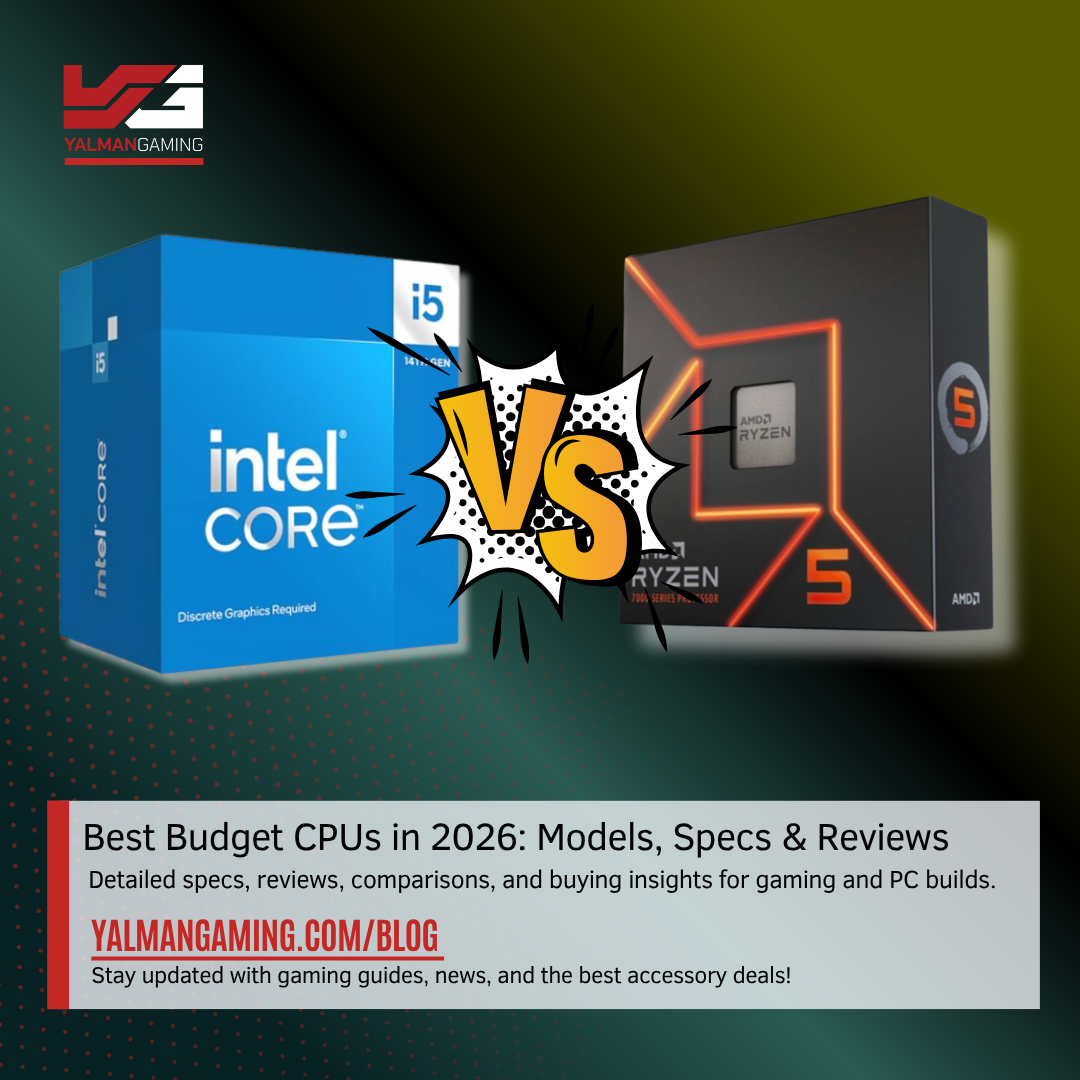
Best Budget CPUs in 2026 – Ultimate Performance Guide for Gamers & Creators
Introduction
Choosing the best budget CPU in 2026 requires balancing performance, efficiency, and long-term value. As modern applications and games become increasingly demanding, processors must deliver strong single-core and multi-core capabilities without inflating the total build cost. We focus on CPUs that provide exceptional price-to-performance ratios, ensuring that users can build powerful systems without overspending. Whether targeting smooth 1080p gaming, entry-level streaming, or productivity workflows, selecting the right processor determines overall system responsiveness, upgrade potential, and longevity. This guide provides a comprehensive breakdown of the best budget CPUs, key performance metrics, architectural improvements, and optimization strategies that help maximize value.
1. Understanding Budget CPUs in 2026
Budget CPUs in 2026 have evolved significantly, offering performance levels previously reserved for mid-range processors. These chips are designed to deliver efficient computing power while maintaining affordability, making them ideal for mainstream users. Modern budget processors typically feature 4 to 8 cores with simultaneous multithreading, enabling smooth multitasking and gaming performance.
Core Architecture Advancements
Manufacturers have introduced refined architectures that enhance IPC (instructions per cycle), allowing budget CPUs to handle modern workloads efficiently. This means even entry-level processors can run demanding applications with minimal bottlenecks.
Multi-Core Efficiency
Budget CPUs now emphasize balanced multi-core performance. This allows users to handle gaming, streaming, and light productivity simultaneously without experiencing slowdowns.
Affordability vs Performance Balance
The defining characteristic of a budget CPU is its ability to provide maximum performance per dollar. Instead of focusing solely on raw power, these processors prioritize efficiency and practical usability.
Use Case Flexibility
Modern budget CPUs are versatile. They can handle esports gaming, office work, light video editing, and casual content creation without requiring high-end hardware.
Technological Improvements
Advancements such as improved cache design, lower power consumption, and enhanced boost clocks have significantly improved the user experience. These improvements ensure smooth performance even under load.
2. Key Factors to Consider Before Buying
Selecting the right budget CPU involves evaluating multiple performance metrics and compatibility factors. A well-informed decision ensures optimal performance and long-term usability.
Core Count and Threads
Higher core and thread counts improve multitasking and productivity. For gaming, a minimum of 4 cores and 8 threads is recommended, while 6 cores offer better longevity.
Clock Speeds and Boost Performance
Base and boost clock speeds determine how quickly a CPU processes tasks. Higher boost clocks are particularly important for gaming performance.
Cache Size Importance
Larger cache sizes reduce latency and improve processing efficiency. Modern CPUs leverage larger L3 caches to enhance gaming performance.
Platform Compatibility
Choosing the right socket and chipset ensures upgradeability. Compatibility with newer motherboards allows future CPU upgrades without replacing the entire system.
Thermal Design Power (TDP)
TDP indicates power consumption and heat generation. Lower TDP CPUs are more efficient and easier to cool, making them ideal for budget builds.
3. Best Budget CPUs for Gaming
Gaming performance depends heavily on single-core speed and latency. Budget CPUs have reached a point where they can handle modern titles at high settings when paired with the right GPU.
Entry-Level Gaming Performance
Budget CPUs excel in esports titles like FPS and battle royale games, delivering high frame rates with minimal stutter.
Mid-Range Gaming Capability
Some budget CPUs can handle AAA games at 1080p and even 1440p with optimized settings.
Frame Rate Stability
Consistency in frame rates is crucial. Modern CPUs provide stable performance due to improved architecture and cache systems.
Pairing with GPUs
Selecting the right GPU ensures no bottlenecks. Budget CPUs perform best with mid-range graphics cards.
Gaming Optimization Techniques
Tweaking in-game settings and enabling performance modes can significantly enhance gaming performance on budget CPUs.
4. Best Budget CPUs for Productivity
Budget CPUs are no longer limited to basic tasks. They can efficiently handle productivity workloads.
Content Creation Capabilities
Video editing, photo editing, and graphic design are achievable with modern budget CPUs.
Multitasking Performance
Multiple applications can run simultaneously without significant performance degradation.
Office and Professional Workloads
Tasks like spreadsheets, presentations, and browsing are handled effortlessly.
Rendering and Encoding
While not as fast as high-end CPUs, budget processors can manage light rendering tasks effectively.
Efficiency in Daily Use
Fast boot times and responsive systems enhance productivity.
5. Integrated Graphics vs Dedicated GPU
Choosing between integrated graphics and a dedicated GPU depends on usage requirements.
Integrated Graphics Benefits
Modern integrated GPUs offer decent performance for casual gaming and multimedia tasks.
Dedicated GPU Advantages
A dedicated GPU significantly improves gaming and rendering performance.
Cost Considerations
Integrated graphics reduce initial build costs, making them ideal for budget users.
Performance Trade-Offs
Dedicated GPUs provide superior performance but increase overall system cost.
Best Use Scenarios
Integrated graphics are suitable for office use, while dedicated GPUs are essential for gaming.
6. AMD vs Intel Budget CPU Comparison
The competition between AMD and Intel continues to drive innovation in the budget segment.
Performance Comparison
AMD often offers better multi-core performance, while Intel excels in single-core tasks.
Price-to-Performance Ratio
Both brands provide competitive options, but AMD typically leads in value.
Platform Longevity
AMD platforms tend to offer longer upgrade paths.
Power Efficiency
Intel CPUs are often more power-efficient in certain workloads.
Gaming vs Productivity
Intel is favored for gaming, while AMD excels in multitasking.
7. Performance Benchmarks Explained
Understanding benchmarks helps evaluate CPU performance effectively.

Best Budget CPUs in 2026
Synthetic Benchmarks
Measure raw processing power.
Real-World Performance
Reflects actual usage scenarios.
Gaming Benchmarks
Evaluate frame rates and stability.
Thermal Performance
Indicates cooling efficiency.
Benchmark Interpretation
Helps compare CPUs accurately.
8. Overclocking Potential in Budget CPUs
Overclocking enhances performance beyond stock settings.
Unlocked CPUs
Some budget CPUs support overclocking.
Cooling Requirements
Proper cooling is essential for stability.
Performance Gains
Overclocking can improve gaming and productivity.
Risks Involved
Excessive overclocking may reduce lifespan.
Best Practices
Gradual adjustments ensure stability.
9. Power Consumption and Efficiency
Efficiency is crucial for budget builds.
Low Power Usage
Reduces electricity costs.
Thermal Efficiency
Less heat improves longevity.
Performance per Watt
Modern CPUs maximize efficiency.
Eco-Friendly Computing
Lower power consumption benefits the environment.
System Stability
Efficient CPUs maintain consistent performance.
10. Best Motherboards for Budget CPUs
Choosing the right motherboard is essential.
Chipset Compatibility
Ensure support for chosen CPU.
Expansion Options
Future upgrades depend on motherboard features.
Build Quality
Durable components improve reliability.
Connectivity Features
USB, Wi-Fi, and PCIe support matter.
Budget Considerations
Balance features with cost.
11. RAM Compatibility and Optimization
Memory plays a critical role in performance.
RAM Speed Importance
Higher speeds improve CPU efficiency.
Dual-Channel Configuration
Enhances performance significantly.
Capacity Recommendations
16GB is ideal for most users.
Latency Considerations
Lower latency improves responsiveness.
Compatibility Checks
Ensure motherboard support.
12. Future-Proofing Your Budget Build
Planning for future upgrades is essential.
Upgrade Paths
Choose platforms with long-term support.
Performance Headroom
Avoid CPUs that will become obsolete quickly.
Component Compatibility
Ensure future hardware support.
Software Requirements
Consider upcoming application demands.
Investment Strategy
Balance current needs with future growth.
13. Cooling Solutions for Budget CPUs
Effective cooling ensures optimal performance.
Stock Coolers
Sufficient for basic usage.
Air Cooling Options
Affordable and reliable.
Thermal Paste Importance
Improves heat transfer.
Case Airflow Optimization
Enhances cooling efficiency.
Noise Levels
Choose quiet cooling solutions.
14. Common Mistakes to Avoid
Avoiding mistakes saves money and improves performance.
Overpaying for Features
Focus on essential requirements.
Ignoring Compatibility
Check all components before purchase.
Underestimating Power Supply
Ensure adequate wattage.
Skipping Cooling Solutions
Leads to overheating issues.
Poor Component Pairing
Balance CPU and GPU performance.
15. Final Buying Recommendations
Selecting the best budget CPU requires careful evaluation of performance, efficiency, and compatibility. Focus on processors that provide strong single-core performance for gaming and sufficient multi-core capabilities for multitasking. Ensure compatibility with modern motherboards and RAM to maximize system longevity. Prioritize efficiency and cooling to maintain stable performance over time. A well-balanced system delivers the best value, enabling users to achieve high performance without exceeding budget constraints.
Conclusion
Budget CPUs in 2026 offer remarkable performance, making high-quality computing accessible to a wider audience. By understanding key performance metrics, compatibility requirements, and optimization techniques, users can build systems that deliver excellent value. Careful selection ensures a balance between cost and performance, enabling smooth gaming, efficient multitasking, and long-term usability.
FAQs
1. What is the best budget CPU for gaming in 2026?
A CPU with strong single-core performance and at least 6 cores is ideal for gaming.
2. Are budget CPUs good for video editing?
Yes, modern budget CPUs can handle light to moderate video editing tasks efficiently.
3. Should we choose AMD or Intel for a budget build?
Both offer excellent options; AMD is better for multitasking, while Intel excels in gaming.
4. Is overclocking necessary for budget CPUs?
Not necessary, but it can improve performance if done correctly.
5. How much RAM is recommended for a budget CPU?
At least 16GB is recommended for optimal performance.